
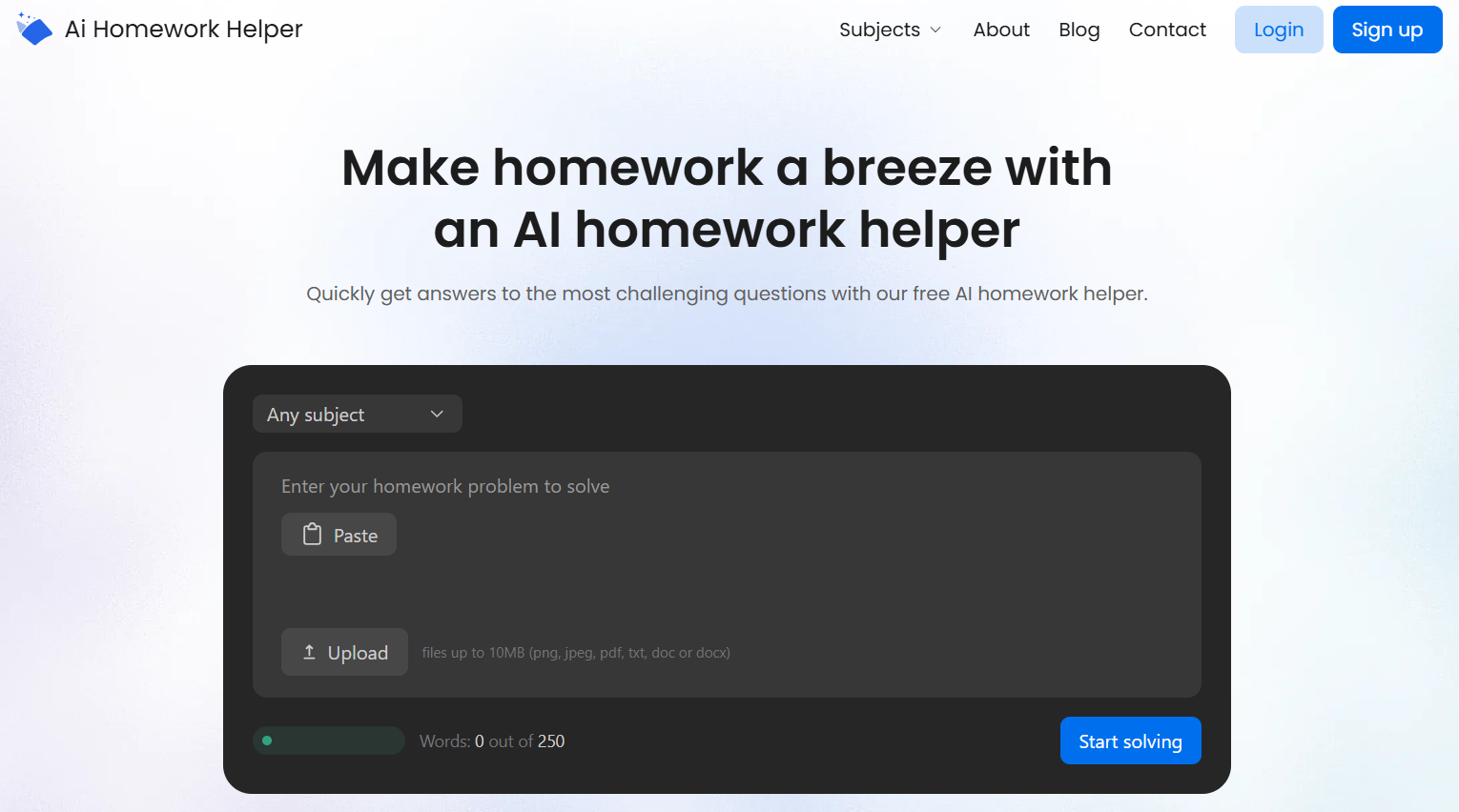
When a tool promises “instant answers,” I assume it will either hallucinate or dump a solution that looks right but teaches you nothing. That’s why I tested the AIHomeworkHelper.com tool for homework the way a typical student would: with messy inputs, short deadlines, and zero patience for fluff.
AIHomeworkHelper is a browser-based helper that takes typed questions plus uploads (photos, screenshots, PDFs) and returns answers with explanations.
Let’s get into what it does, how it performs with scanned or photographed homework, and where you still need your own common sense.
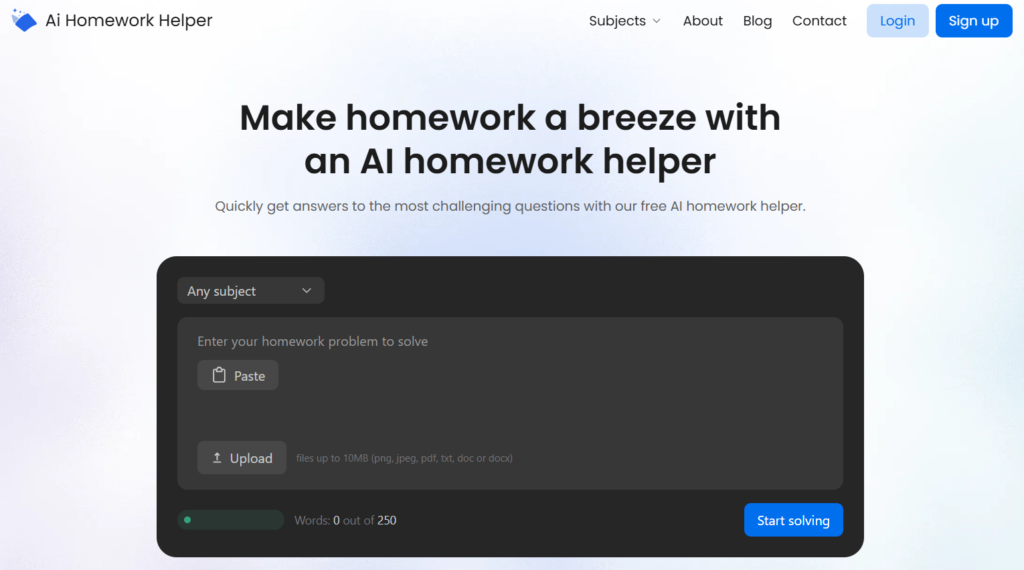
What This AI Helper for Homework Is Built to Do
AIHomeworkHelper is designed around one simple workflow: you give it a problem, and it gives you a solution with steps.
What it’s good for:
- Getting unstuck. If you can’t move past step one, it can show a path forward.
- Checking your work. Solve it yourself, then compare your logic to the tool’s breakdown.
- Clarifying concepts. When a topic feels foggy, a structured explanation can clear it up.
What it’s not:
- A guarantee of perfect truth 100% of the time
- A replacement for understanding
Used responsibly, it can be a reliable second brain.
How Uploads Work
The biggest make-or-break feature for tools like this is input flexibility. Students don’t want to retype long prompts, and they definitely don’t want to figure out how to type weird math symbols. So, I focused heavily on the upload side.
AIHomeworkHelper effectively behaves like an AI homework helper scanner:
- You can upload a photo or screenshot of a question.
- You can upload a PDF (including scanned worksheets).
- The tool extracts the text and responds with steps.
In normal conditions, it reads worksheet text well and handles common symbols reasonably. The real test, though, is messy reality: phone photos at an angle, shadows, or slightly blurry handwriting.
Here’s what I noticed:
- For printed homework and clear screenshots, results were quick and consistent.
- For photos, quality matters. If your image is readable to you, it’s usually readable to the tool.
- If a minus sign is faint or a number is smudged, any scanner-like system can misread it. That’s not a dealbreaker, it’s just the physics of bad input.
Tip: when a solution looks wrong, check the uploaded text it interpreted, then re-upload a clearer image or paste the question as text. That simple habit makes the tool even more trustworthy.
Where It’s Most Useful
A lot of reviews treat homework tools like they’re either cheating or salvation. Real student use is usually more boring, and more ethical: you want support, speed, and clarity.
That’s where the AI free homework helper works best. Here are the strongest use cases I found:
- Practice sessions: try a problem first, then compare approaches
- Pre-submission checks: verify your final result and method before turning it in
- Fast refreshers: get a clear explanation when your notes are confusing
- Problem translation: turn a messy screenshot into a readable breakdown
If you treat AIHomeworkHelper like a trusted calculator for reasoning, it’s genuinely useful.
Speed, UI, and Day-to-Day Usability
A random AI homework helper online can be brilliant and still fail if the experience is annoying. AIHomeworkHelper gets points for keeping the workflow simple.
Here’s how I can describe my experience with the tool and the website in general:
- Browser-based (no installs, no learning curve)
- Fast on typical prompts (seconds, not minutes)
- Clean enough that you can copy steps into your notes if you want
I also like that it doesn’t force you into a complicated account flow before you can do anything. When you’re stressed, friction is the enemy. The “open the page and ask” approach makes it feel accessible and safe for quick checks.
One thing to keep in mind, though: faster tools can encourage lazy habits. The speed is a feature, but it also makes it easier to skip learning if you’re not careful. If you want this to stay helpful, use a simple rule: always read the steps, even when you think you already know the answer.
Limits and Reality Checks
No homework AI is perfect. What matters is whether the tool fails in obvious ways you can catch, or in subtle ways that trick you.
In my testing, the tool was accurate on common question types, and the step-by-step structure made it easier to spot errors. The most common failure patterns were rare and predictable:
- Ambiguous prompts: questions missing context (common with cropped screenshots)
- Input issues: low-quality photos or weird formatting in scans
- Assumptions: the tool chooses one interpretation instead of asking you what you mean
Again, if you’re using the tool to check your thinking, you’re learning. Try to uphold the good standard: if you can’t explain the solution out loud afterward, you’re not done.
Final Take on AIHomeworkHelper
AIHomeworkHelper is a perfect option for students who want quick, structured explanations and the freedom to use uploads instead of retyping everything. Its best trait is that it shows the reasoning clearly enough to verify, which makes it more reliable than tools that hand you a final answer and nothing else.
AIHomeworkHelper will become the best fit for:
- Students who want step-by-step help and clear logic
- Students who work from photos, screenshots, or PDFs often
- Students who want a simple browser tool that feels low-friction
The tool is not ideal for:
- Anyone looking for guaranteed correctness without checking
- Anyone who needs deep, context-heavy academic writing support from a single prompt
- Anyone who wants the tool to “think” for them
If you want a practical helper that can speed up study sessions and make stuck moments shorter, AIHomeworkHelper will earn a spot in the list of your favorite AI tools (and maybe replace some of them). Use it like a trustworthy guide, and reap the benefits of being a better learner.